

MAY 2026 ARCHIVE

Admin Updates
Expanded Learner Activity Reports
Administrators can now download more detailed learner activity reports:
Learner Data Report: Shows learner details, activity progress and completion, attendance, and total minutes engaged.
Session Report: Shows detailed session-by-session activity for each learner
Session Summary: Shows overall total sessions and minutes per learner
How do I access these reports?
In the Admin Portal, go to Administration → User Management.
Set Role to Learner.
Set Status to Active or Inactive.
Click Export.
Select Learner Data, Session Report, or Session Summary and click Next.
Choose the date range.
The report will be emailed to you.
For more information check out our Admin Resource Guide.
TRACK LEARNER GROWTH OVER TIME
Exports now include each learner’s first and most recent Proficiency Assessment scores, making it easier to measure language growth over time.
WRITING HELPER ADMIN VISIBILITY
Administrators can now view learner Writing Helper submissions directly in the Admin Portal, including submission history and personalized feedback.
How do I see the submissions and feedback?
Log in to the EnGen site. Go to the Admin portal, then click Writing Helper on the menu on the right, under Learning. Click View Details to see what a learner wrote for a given submission.
For more information check out our Admin Resource Guide.
IMPROVED ACCESSIBILITY FEATURES
Enhanced screen reader support and improved keyboard navigation help visually impaired learners navigate the platform more effectively.
These updates align with international WCAG accessibility standards to support a more inclusive learning experience.
Learner Experience Updates
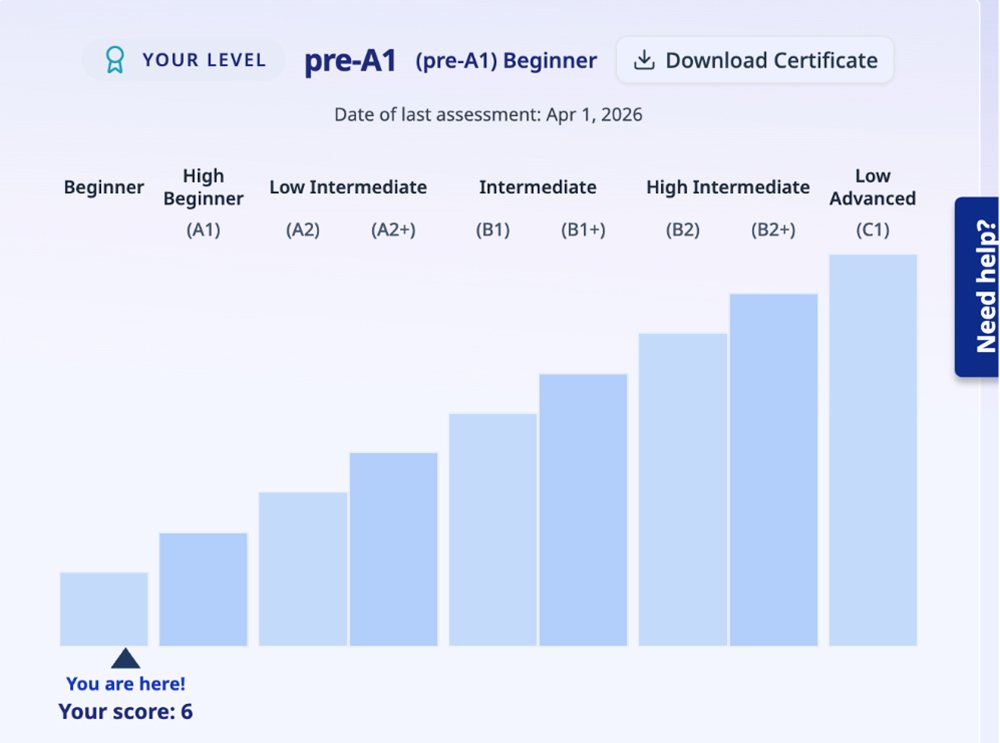
Proficiency Assessment Score Visibility
Learners can now view their proficiency scores, download personalized certificates, and track progress over time directly within the platform.
How do learners see their scores and progress?
Log in to the EnGen site. At the top, click Performance, then Assessments.
WORD BANK IMPROVEMENTS
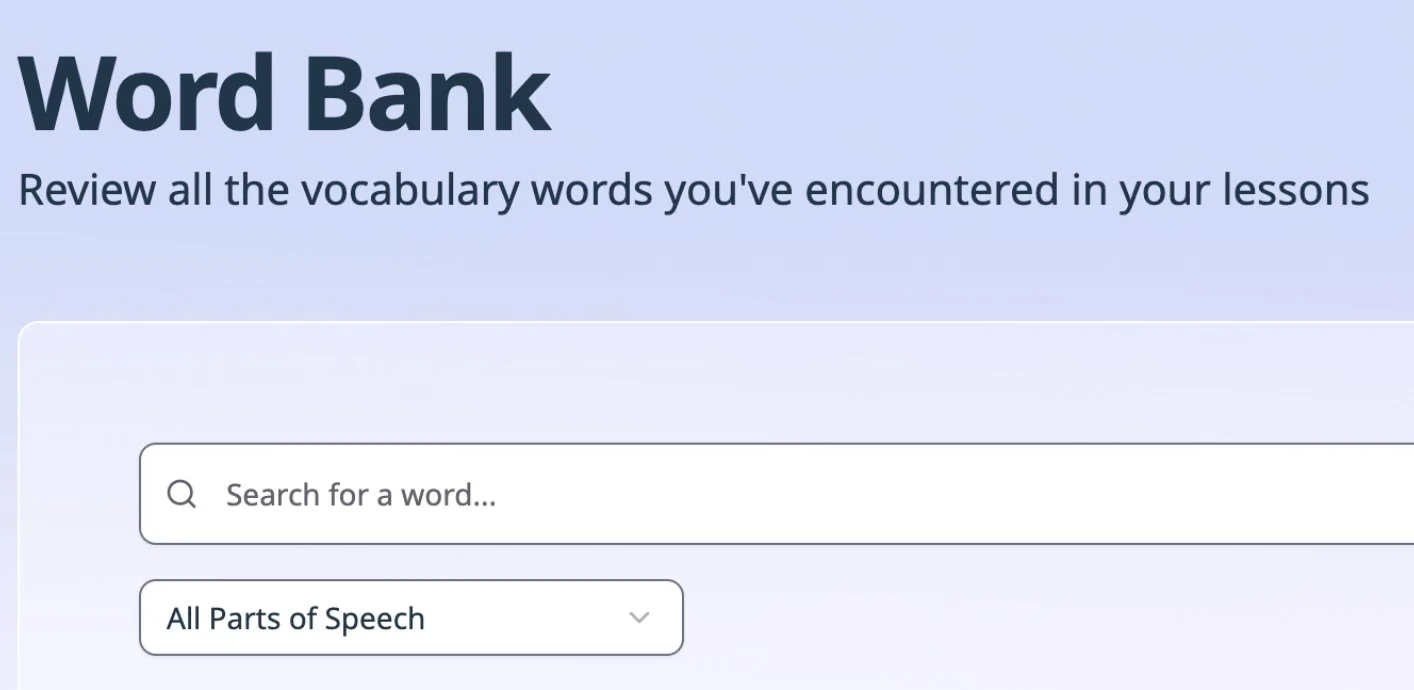
Learners can now practice saved vocabulary words using two new Word Bank activities: pronunciation practice and flashcards for word meaning review.
Learners can also now search and hide saved vocabulary words to make vocabulary practice more personalized and efficient.
WRITING HELPER IMPROVEMENTS
Learners can now choose from level-based writing prompts and receive personalized feedback to support ongoing writing development.
EXPANDED LANGUAGE SUPPORT
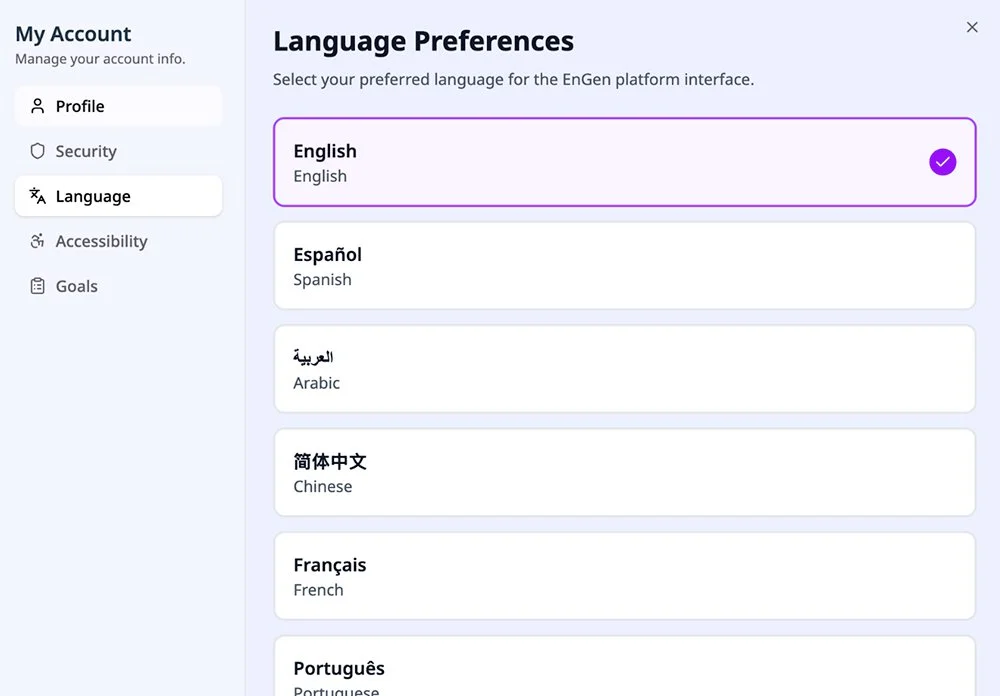
EnGen now supports localization in 20 languages, including:
Burmese
Lao
Pashto
Punjabi
Somali
Swahili
Turkish
Ukrainian
Vietnamese
These additions give learners more ways to personalize their learning experience and navigate the platform confidently.
Where can I see all the languages EnGen is offered?
Go to Manage My Account (under the icon of the person in the right hand corner), then click on languages to see in what languages EnGen is offered.
IN-LESSON TRANSLATION SUPPORT
Learners can now translate words directly within lessons without interrupting their learning flow.